
Seven module groups

Everything a committee actually does

Members, maintenance billing, collections, meetings, complaints, visitors and reports. Every module is included in every plan — the price changes with the number of units, never the feature list.

Overview

The first screen after sign-in answers the questions a secretary is actually asked: how many members, how much is outstanding, what is broken, and what still needs setting up.

Dashboard

Members, pending invoices, open complaints and notices at a glance, per society or across the federation.

  • Counts re-scope when you switch context, so a federation sees the total and a society sees its own

  • Every tile links into the list it summarises, instead of sending you back to the menu

  • A banner counts down the free months and warns before they end

Finance pulse

Billed, collected and outstanding for the cycle, with the collection percentage on one dial.

  • One dial for the collection rate, so a bad month is obvious without opening a report

  • Billed and outstanding in rupees for the current cycle, not a rolling total

  • Built from the same figures the Collections module reconciles against

Setup checklist

A guided list that gets a new society from empty to billing, with quick actions for the daily jobs.

  • Tracks what a brand-new society still needs: buildings, units, members, a payment account

  • Disappears once the society is running, instead of nagging forever

  • Quick actions for the daily jobs — add a member, record a payment, post a notice

Residents

Billing, complaints and the gate register all read from one member list. It is the record that has to be right before anything else can be.

Members

Every flat, owner and tenant in one register, with documents, verification and bulk import.

  • Owner or tenant against a unit, with family members recorded on the household

  • Documents carry a proof type, and each one is verified individually

  • KYC status is derived from address, identity and date of birth — not typed in by hand

  • Bulk import for a society moving off a spreadsheet, and deactivation with a recorded reason

Join requests

Residents ask to join their unit; the committee approves or rejects from one queue.

  • A resident claims their unit from the app instead of the committee typing them in

  • One queue to approve or reject, so nobody is added by accident

  • Approval links the login to the member record and the unit in a single step

Visitors

A gate register the guard can actually use, with the resident notified on arrival.

  • Built for a guard on a phone at a gate, not an administrator at a desk

  • In and out times against the unit being visited, kept as a searchable log

  • The resident is notified on arrival rather than being telephoned

Facilities

The clubhouse, the hall, the lift that keeps failing. Both halves of shared property: booking the good parts and chasing the broken ones.

Amenities

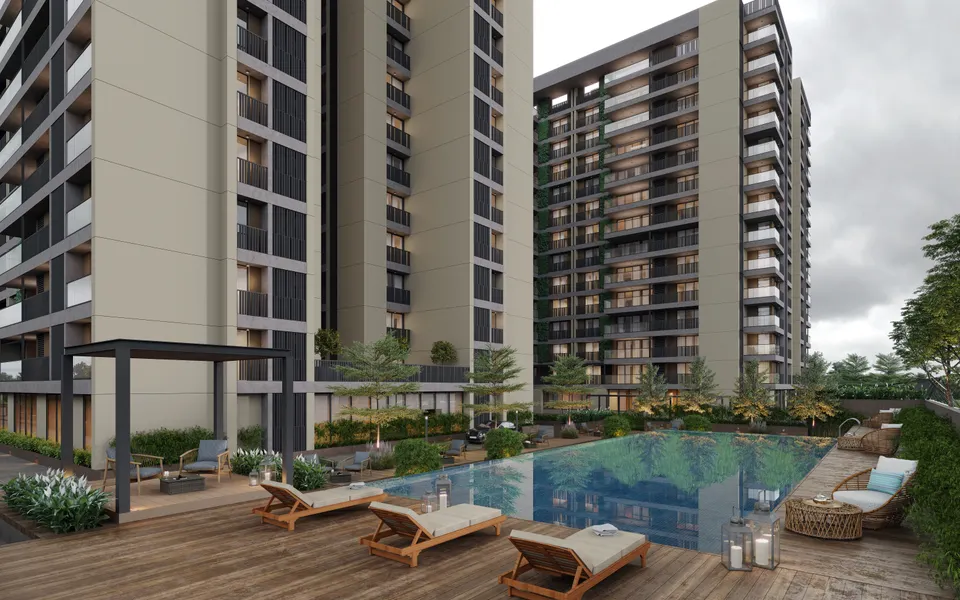
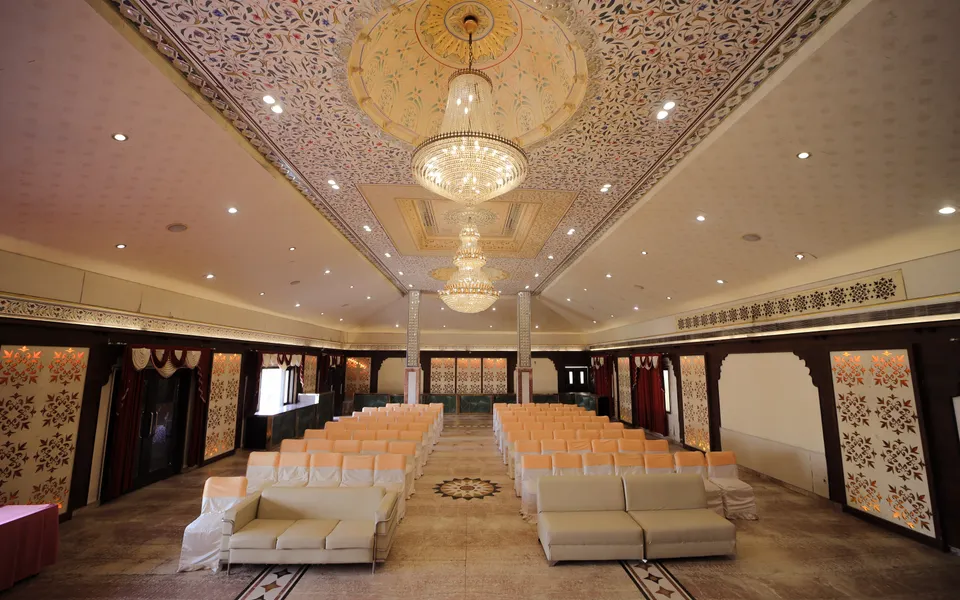
Clubhouse, hall and court bookings with rules, charges and a calendar per amenity.

  • Each amenity carries its own rules, charge and calendar

  • Residents book from the app; the committee sees the whole calendar

  • A booking charge can be carried into that unit's next maintenance bill

Complaints

Residents raise it, the committee tracks it, nothing gets lost in a WhatsApp group.

  • Every complaint gets a number and a status instead of scrolling out of view

  • Raised from the app or entered by the committee, always against a unit

  • The open count sits on the dashboard, so nothing quietly ages

Clubhouse
Clubhouse
Swimming pool
Swimming pool
Gym
Gym
Community hall
Community hall
Play area
Play area
Garden
Garden
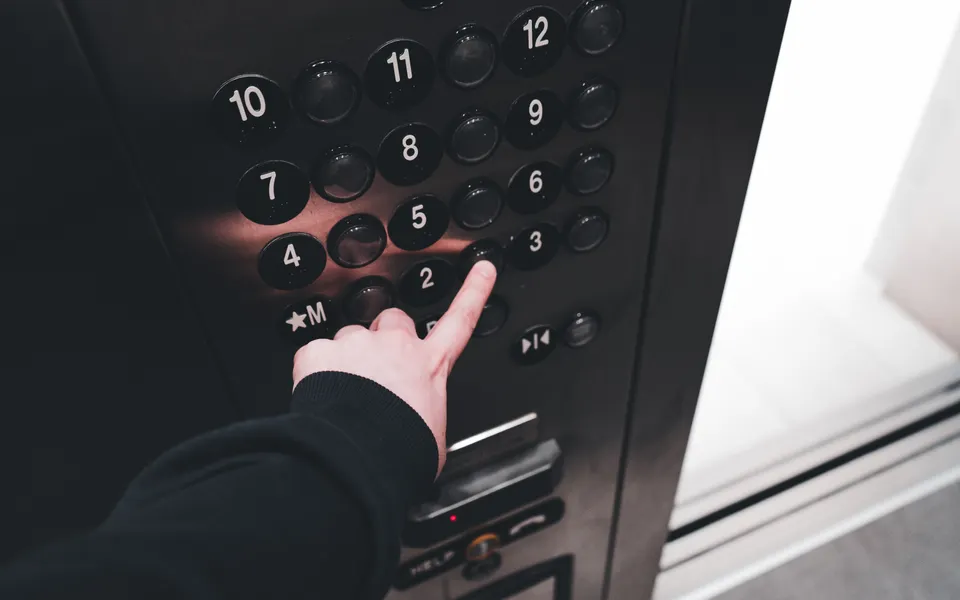
Lift
Lift
Water and plumbing
Water and plumbing
Power and electrical
Security and access
Security and access

Community

A society runs on notices, meetings and minutes. The point is not only sending them — it is being able to show later that they went out.

Meetings

Convene AGMs and committee meetings, circulate the agenda, publish the minutes.

  • AGMs and committee meetings with the agenda circulated in advance

  • Minutes published against the meeting, so the record lives with the event

  • Members see what is coming in the app without being chased

Notices & events

Notices, events and discussion threads, on the web and in the member app.

  • A notice posted once reaches the web console and the member app together

  • Events carry a date, so they surface before they happen rather than after

  • Discussion threads for the things that do not deserve a formal notice

Broadcast & inbox

Reach every member by SMS and email, or over WhatsApp once a number is connected.

  • SMS and email go out from templates the society can edit and preview first

  • Connect a WhatsApp Business number and broadcast to members who opted in

  • Replies come back to an inbox, so a broadcast is a conversation rather than a shout

  • Every send is written to a delivery log against the member

Billing

The month that matters most. Bills go out per unit, money comes back through the society's own payment account, and the two reconcile without anyone re-keying.

Billing & dues

Raise maintenance bills per unit, apply heads and interest, and see what is due.

  • Heads the committee defines — sinking fund, water, parking — applied per unit

  • Interest on arrears calculated rather than argued about

  • One view of what every unit owes, and since when

Collections

Online payments, transactions, settlements, refunds and exceptions, reconciled.

  • Each society connects its own Razorpay account — money settles to the society, never to us

  • Payments confirm by webhook, so a closed browser tab does not lose a receipt

  • Settlements, refunds and failed payments are listed, not left as a mystery

  • Residents pay from the app and the receipt is stored against the unit

Fines

Fine heads the committee defines, levied on a unit and carried into the bill.

  • Fine heads are defined once by the committee, then levied per unit

  • A levied fine carries into the next maintenance bill automatically

  • The reason is recorded, so it survives the next AGM

Purchases and upkeep

Spending the society's money the way its committee already agrees to, and looking after what it bought. Every rupee has a reason, an approver and a receipt.

Purchases & expenses

Small spends go straight through; big ones get quotations and the approvals the bye-laws ask for.

  • Routine spends up to the society's limit, with one supplier

  • Major purchases compare quotations line by line, with GST

  • Approvers in turn, set on each committee role, each with a remark

  • A printed purchase order the vendor can sign

Vendors & payments

Who the society pays, what it owes them, and the bills that come every month.

  • Vendors with their GST, documents and bank account

  • Payments in parts: advance, part, final and retention

  • Electricity, water and AMCs raised a week before they are due

  • A change to an agreed amount goes back for approval

Assets & stock

What the society owns, where it is, and what is covered.

  • Received with serial numbers, straight into the register

  • Warranty and AMC on each asset, with a reminder before it ends

  • Stock issued and counted, with a weekly note when it runs low

Maintenance & issues

The pump serviced on time, and a breakdown sent to whoever is paid to fix it.

  • Plans by a vendor, a role or a person, reminded ahead of time

  • An issue under warranty or AMC names the vendor to call

  • A resident's complaint can raise the issue on the asset

  • The same fault three times in 90 days is flagged

Platform

The part a managing agent or apex body lives in — the structure underneath every society, and who is allowed to see what.

Societies & buildings

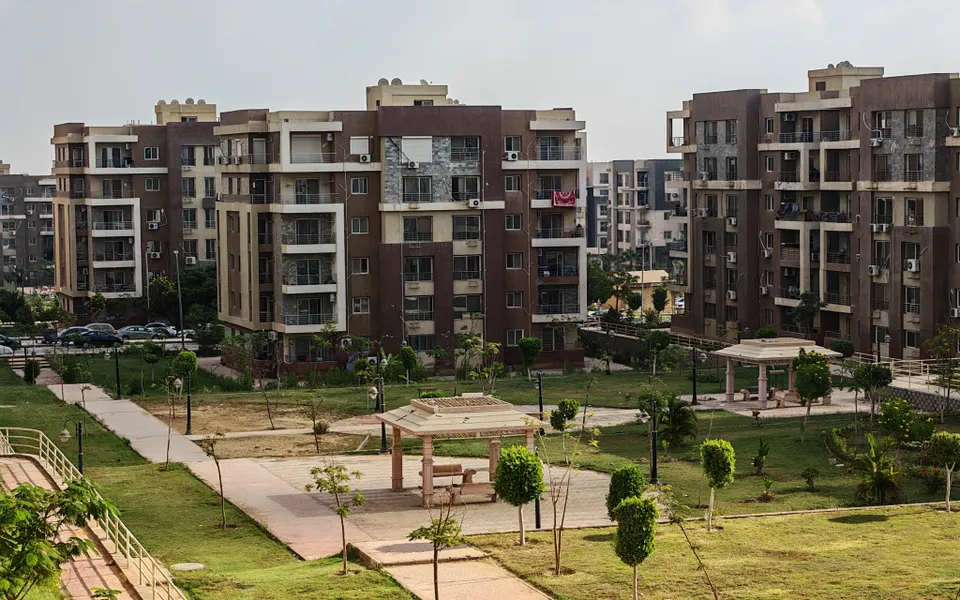
Societies, wings and units under one federation, each with its own branding.

  • Societies, wings and units modelled as they actually are on the ground

  • Each society keeps its own branding and letterhead for its documents

  • Non-living units — parking, refuge, balcony — are modelled but never sold

Roles & access

Permission-based roles: what a secretary sees is not what a guard sees.

  • Permissions are scoped to one active role at a time, not the union of every role you hold

  • A guard at the gate sees the visitor register and nothing else

  • Committee seats are assigned as roles, and the change is recorded

Notifications

Event templates for SMS and email, edited per society and previewed before sending.

  • Templates per event — bill raised, payment received, complaint updated

  • Edited per society, previewed and test-sent before they reach a member

  • Every send is metered against the plan's SMS and email allowance

Documents

The ID proofs and agreements the committee asks residents for, uploaded once and reviewed in one queue.

  • Each person sees only the documents the committee has asked of them

  • Photos from a phone become one PDF; the committee approves, or rejects with a reason

  • An approved document carries a seal that shows if it was changed later

End to end

Four workflows, end to end

Context switching

One login for fifty societies

A federation, an apex body or a managing agent does not want fifty passwords. The top bar switches between the whole federation, one society and one unit, and every screen below re-scopes to match.

  • Permissions follow the active role, not the union of every role you hold

  • Federation-wide reports add up the societies underneath without re-keying

  • Each society keeps its own branding, letterhead and bye-laws

Billing to bank

Raise the bill, watch it settle

Maintenance is raised per unit against the heads the committee defines, goes out by SMS, email and the app, and comes back as a payment that reconciles itself.

  • Interest and fines carry into the next bill automatically

  • Money settles into the society's own account, never ours

  • Settlements, refunds and failed payments are visible, not a mystery

Books and audit

The record keeps itself

Every bill, receipt and fine is recorded as it happens, so the statements the auditor asks for in September were built in April, not the night before.

  • Receipts from money that already moved, with no double entry

  • Dues, collections and fines by member and by flat

  • Statements per society or across the federation, on demand

For residents

An app, not another WhatsApp group

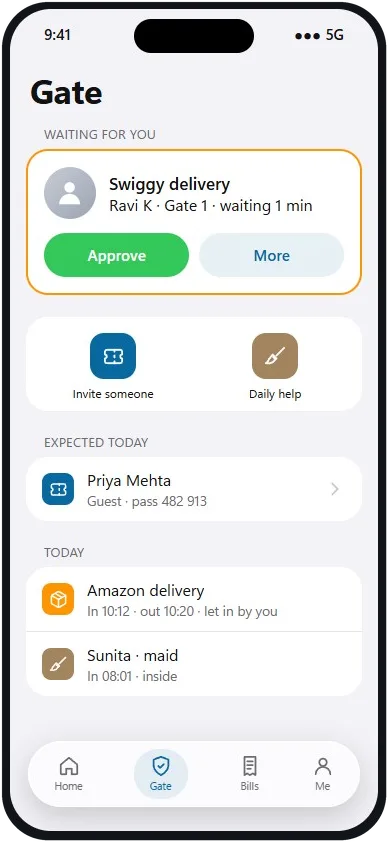
Residents get Android and iOS apps for the things they actually do: pay the bill, read the notice, raise a complaint, book the clubhouse, see who is at the gate.

  • Pay maintenance from the phone, with the receipt stored against the unit

  • Complaints get a number and a status instead of scrolling away

  • The guard logs a visitor and the resident is notified on arrival

The resident app's Gate screen, with a delivery waiting for approval

Every module, in every plan

The price changes with the number of units. The feature list does not.